Multi-currency accounts
EUR, USD and GBP with dedicated funding details according to account eligibility and partner availability.
Multi-currency digital wallet
SDB Wallet brings EUR, USD and GBP accounts, bank transfers, crypto deposit addresses and practical security into one everyday finance app.
A simple interface over clear financial infrastructure: named accounts, transfers and crypto without clutter.
EUR, USD and GBP with dedicated funding details according to account eligibility and partner availability.
SEPA, ACH, FedNow, Wire and Faster Payments with clear tracking for every movement.
Receive and hold digital assets such as USDT, USDC, BTC and ETH inside the app.
Encryption, identity checks, two-factor authentication and alerts for unusual activity.
Your bank accounts
Bank accounts in your name in euros, US dollars and British pounds, subject to residence and eligibility. Open your account details in the app to find the receiving instructions for each currency.
Explore personal accountsIBAN details for receiving euro transfers, with the amount and transaction status available in your account.
Dollar account details and transfer networks shown according to account eligibility and transaction type.
Receiving details in pounds, so you can manage transfers in this currency from the same app.
Always use the account details and network shown in your app when sending money to your account.
Send and receive
Whether you are receiving money or sending to a bank account, keep the transaction details and status together in a history you can return to.
Select the currency, enter the recipient’s bank details and choose an available transfer route.
Check the fees and exchange rate when converting currencies, then review the summary before confirming.
Open the transfer details to check its status and keep the reference handy if you need help.
Crypto wallet
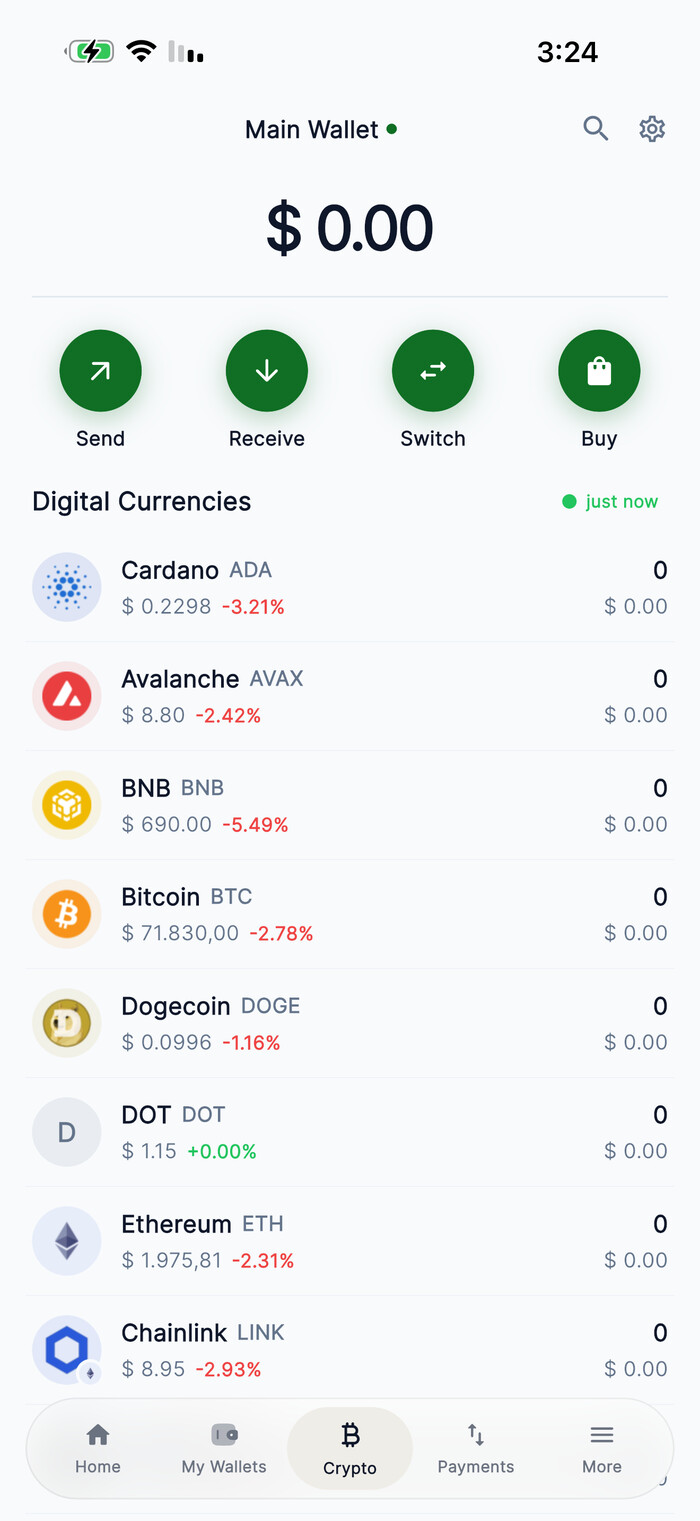
Crypto is not a side page in SDB. It is part of the wallet experience: deposit addresses, balances, transfers and a readable history in the same app.
Explore cryptoThe transfer network depends on the currency and destination. Your account shows the available routes and receiving instructions.
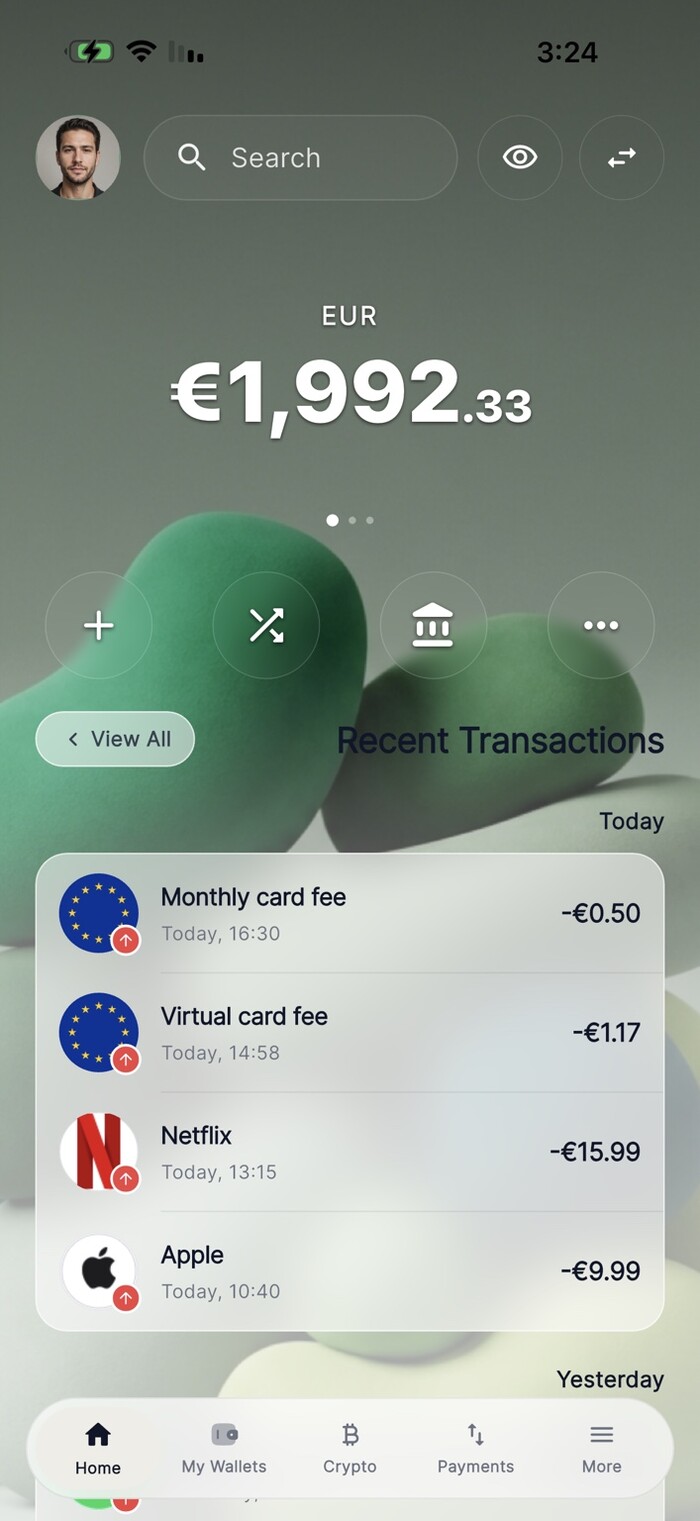
Inside SDB Wallet
From a quick balance check to the details of a single transaction, move between your accounts and wallets in the same app.
Getting started
Have your personal details and a valid identity document ready, then follow the steps shown in the app.
Choose the iOS or Android app, enter your details and select your country of residence.
Follow the verification instructions and provide any requested documents. Account eligibility depends on your details and residence.
Explore the services available to your account, then open your receiving details or digital-asset wallet to get started.
Open your account in the app, verify your identity, then use accounts, transfers and crypto from one place.